To take your glucose data to the doctor, bring a report of the last 14 to 90 days of your sensor readings, your latest lab results and the questions you want to ask. In GlucoLive, the Medical Report puts your time in range, GMI, daily profile, lab history and diary into one PDF you can send before the appointment.
A report beats scrolling through your phone in the office: your doctor sees the whole period at once, in the format they're used to. This guide shows what goes in it and how to make yours.
What should I bring to a diabetes appointment?
Bring your glucose report, your recent lab results and a short list of questions. If you log insulin or meals, bring that too, because it helps explain the highs and lows.
- Glucose report: at least the last 14 days of sensor data; 30 or 90 days show the bigger picture.
- Lab results: especially HbA1c, with the date of each test.
- Your diary: insulin doses and meals you logged.
- Questions: what changed since the last visit, and what you'd like to adjust.
What is in a CGM glucose report?
A CGM report usually shows the metrics from the International Consensus on Time in Range: time in range, time below and above range, average glucose, GMI and variability. It also shows a daily profile, so your doctor can see which hours tend to run high or low.
The consensus recommends 14 days of data with 70% captured, so a report covering at least two weeks is what makes these numbers meaningful. Our guides to time in range and GMI vs A1C explain what each one means.
How do I make a glucose report on iPhone?
In GlucoLive, go to Settings › Doctor Report, choose the period (14, 30 or 90 days) and tap Generate PDF. You can add your name, include all your lab tests or only the endocrine ones, and share the file by email, WhatsApp or AirDrop.
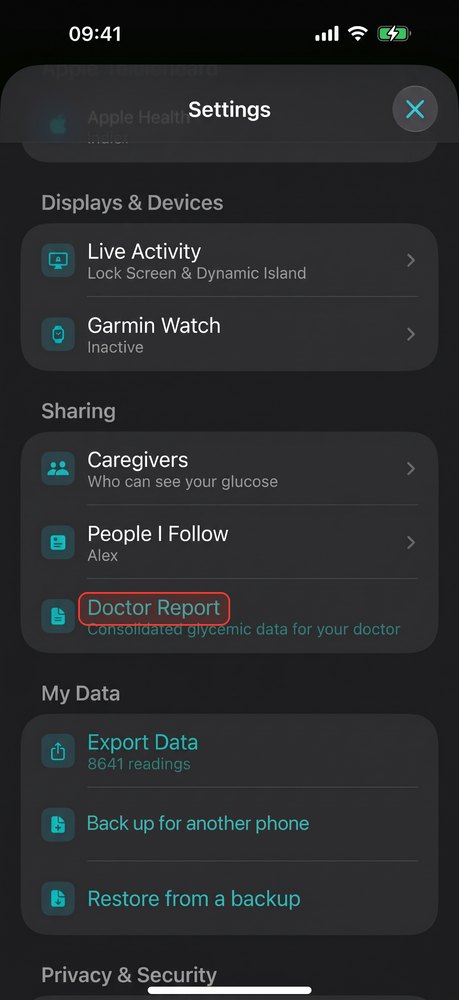
The red outline marks where to tap. The report is part of GlucoLive Pro.
What does the GlucoLive Medical Report include?
It's a multi-page PDF with your period summary, the detailed metrics and your lab history. These are its pages:
| Page | What it shows |
|---|---|
| Summary | Time in range, average, GMI, variability and the time spent in each range |
| Glycemic metrics | The five ranges in hours per day, variability and low and high episodes |
| Daily profile | Your glucose by hour of the day, so patterns stand out |
| Insulin | Your logged doses, when you have them |
| Lab history | Your lab results over time, with HbA1c next to your sensor GMI |
| Consultation summary | The key points of the period on one page |
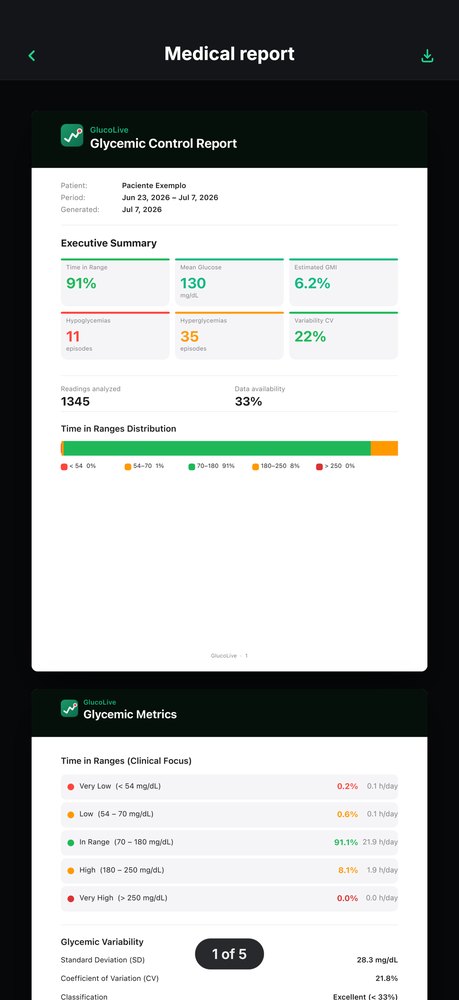
People use GlucoLive between appointments too. One App Store review says: "It's great. […] Helps my diabetic friend (Libre) and me keep an eye on it too."
Each report says it plainly at the bottom: "This report is informational and does not replace medical evaluation, diagnosis or prescription."
Can I add my lab results?
Yes. In GlucoLive, you import the PDF of a lab report and it reads the values, so your HbA1c and other results appear in the report next to your sensor data.
Your lab results stay on your iPhone, as our privacy policy explains, and in each report you can include all your tests or only the endocrine ones.
Can I export my readings to a spreadsheet?
Yes. In Settings › Export Data, GlucoLive creates a CSV file with the date, time and glucose value of each reading, for the last 24 hours, 48 hours, 7 days, 30 days or all your data.
That's useful if your clinic uses its own software or you want to keep your own records.
When should I send the report?
A few days before the appointment, if your clinic accepts files by email or a patient portal. That gives your doctor time to look at it, and you can spend the visit on decisions instead of numbers.
If you can't send it before, the PDF opens on any phone, tablet or computer, so you can show it during the visit.
What else do people ask about glucose reports?
The most common questions are about the period to choose, LibreView and whether a report replaces lab tests. Here are the short answers.
Which period should I choose?
At least 14 days, which is what the consensus recommends. 90 days lines up with the period an HbA1c test reflects.
Can I still use LibreView?
Yes. Abbott's apps can share readings with your clinic through LibreView. GlucoLive's report is another option that you make on your iPhone and share yourself.
Does a report replace my lab tests?
No. The report shows your sensor data and the lab results you added; your care team decides which tests you need.
Does GlucoLive replace my sensor's app?
No. GlucoLive shows your glucose on more screens, but it doesn't replace your sensor's official app or your care team's guidance, and it doesn't recommend doses.
See your glucose on every screen
Download GlucoLive and get 15 days of Pro, with no card and no automatic charge.
Download on the App Store Android: coming soonGlucoLive is for informational monitoring. It does not replace your sensor's official app, certified devices or your care team's guidance, and it does not recommend doses or treatment. GlucoLive is not affiliated with Abbott or Nightscout.
More articles
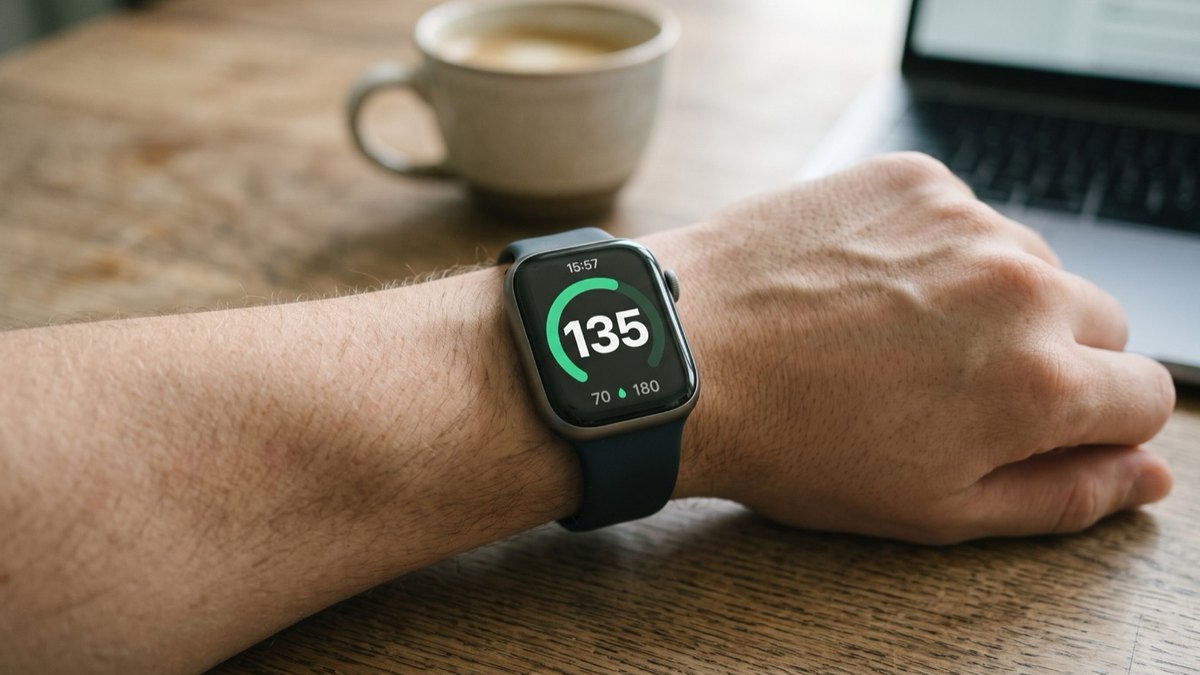 Apple Watch
How to see FreeStyle Libre glucose on Apple Watch
See your Libre reading every time you raise your wrist, on your watch face and in the watch app. Four steps.
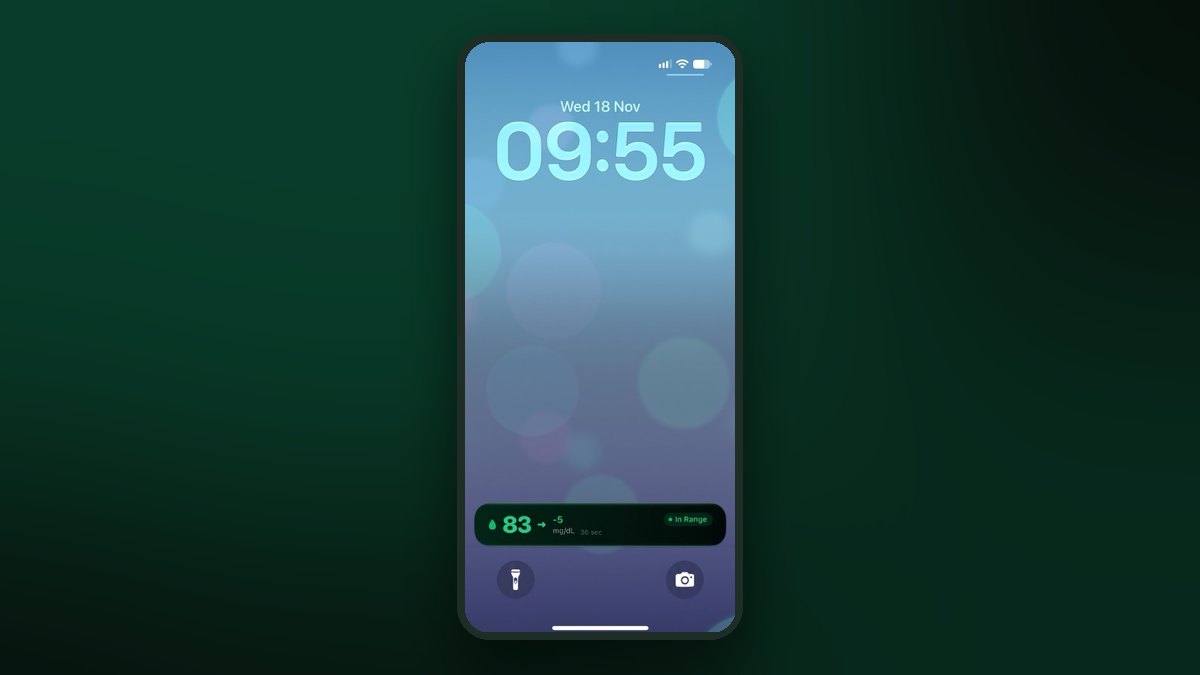 Lock Screen
FreeStyle Libre on the iPhone Lock Screen: widget, Live Activity and StandBy
A Lock Screen widget, a Live Activity, the Dynamic Island and StandBy at night. Step by step for each one.
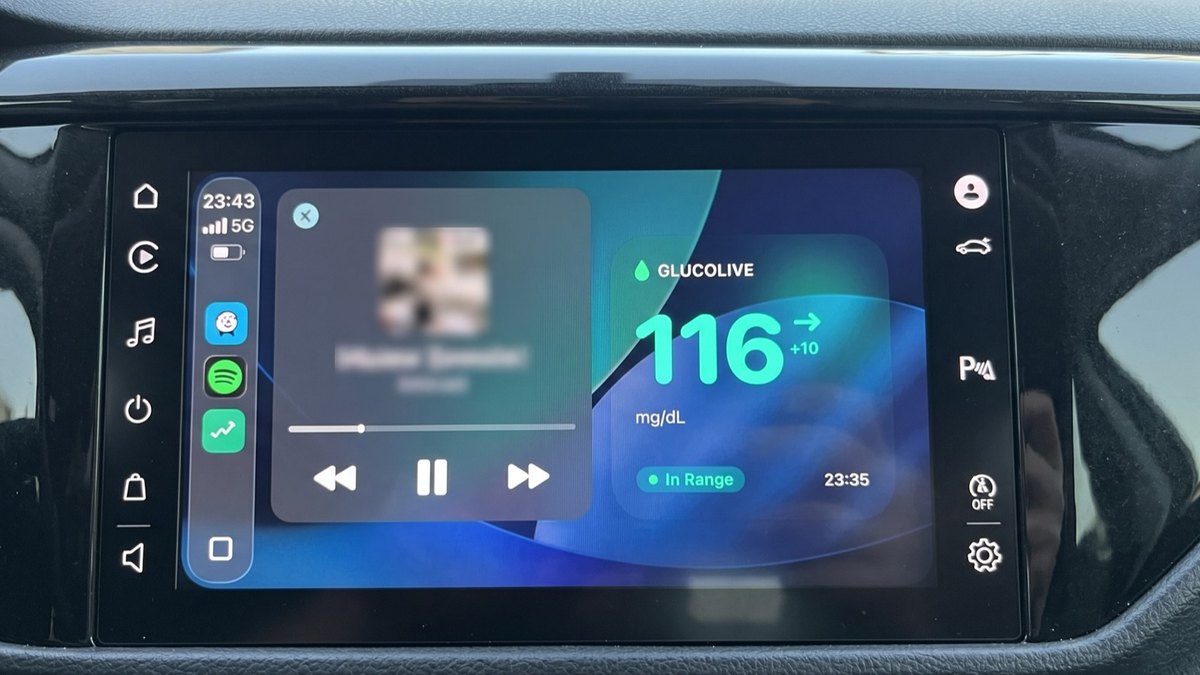 CarPlay
FreeStyle Libre on CarPlay: see your glucose on the car screen
The GlucoLive app, a dashboard widget and the Live Activity next to your map. Set up in three steps.