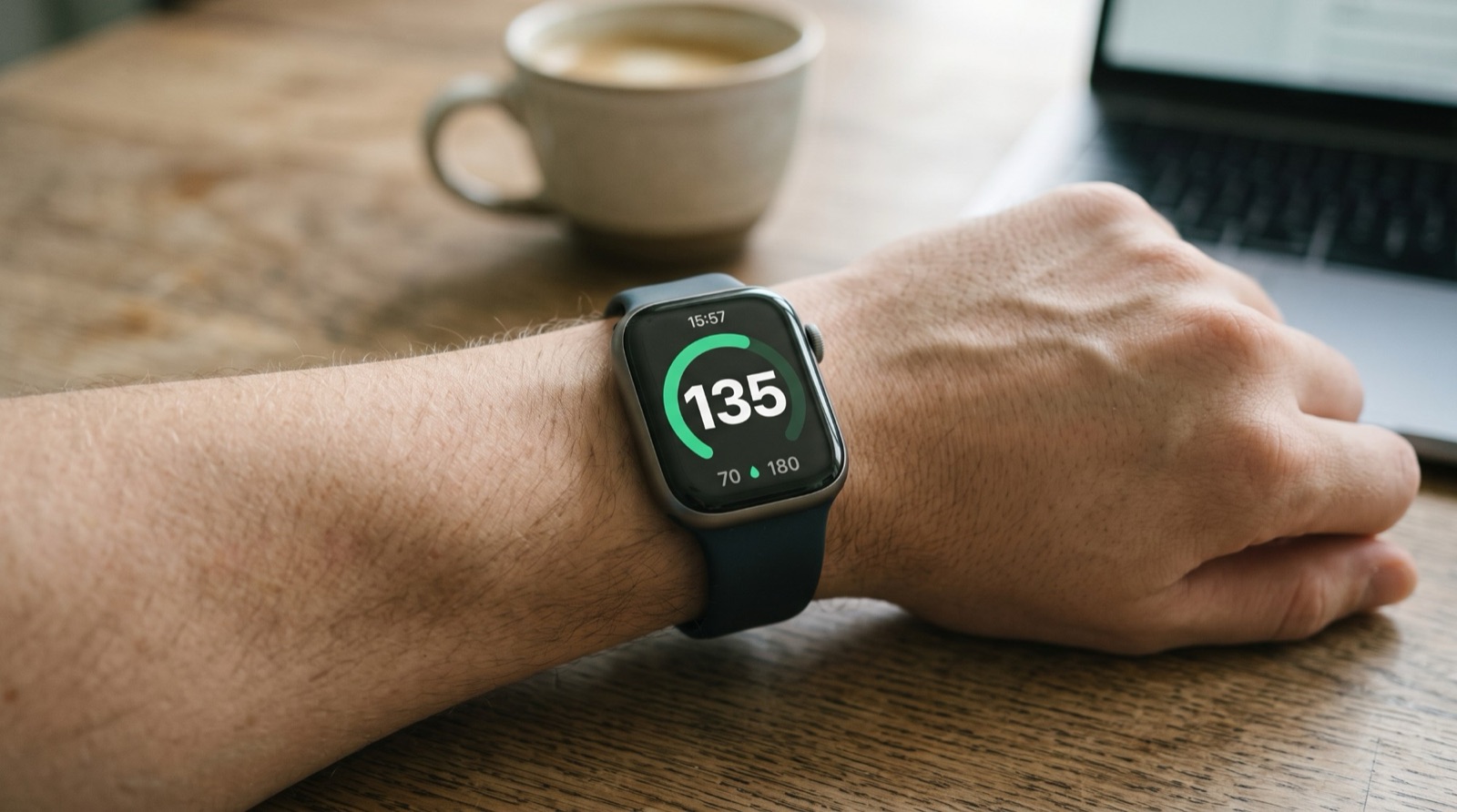
Yes, you can see your FreeStyle Libre glucose on Apple Watch. GlucoLive takes the reading from your LibreLinkUp account to the GlucoLive app on your iPhone, and from there to your watch, so it shows up every time you raise your wrist.
You set it up once, in four steps, and the same reading also appears on your Lock Screen, in the Dynamic Island, on CarPlay and on every screen GlucoLive supports.
What do you need to see FreeStyle Libre on Apple Watch?
You need an iPhone with iOS 18 or later, an Apple Watch paired to it, and a FreeStyle Libre 2, 2 Plus or 3 sensor already working in Abbott's app. You also need a LibreLinkUp account that follows your own sensor, and GlucoLive on your iPhone.
- iPhone: iOS 18 or later, as the GlucoLive App Store listing states.
- Apple Watch: watchOS 10 or later, paired to that iPhone.
- Sensor: FreeStyle Libre 2, 2 Plus or 3, working in Abbott's app.
- LibreLinkUp: Abbott's free app for sharing readings. You invite your own email, so you follow your own sensor. If you use Nightscout, your Nightscout site works too.
- GlucoLive: new users get 15 days of Pro, starting with the first sensor reading, with no card and no automatic charge.
Which app shows FreeStyle Libre on Apple Watch?
GlucoLive shows your FreeStyle Libre reading in its Apple Watch app and complication, using your LibreLinkUp account. It doesn't connect to the sensor, so your sensor stays with Abbott's official app and its alarms.
That's also why it works the same way with the Libre 2, the 2 Plus and the 3: the reading comes from your account, not from the sensor model. And the same reading goes to every screen you use, with your history, a report for your doctor and family sharing in the same app.
How do you set it up, step by step?
Share your sensor with yourself in Abbott's app, sign in to GlucoLive with that LibreLinkUp account, install GlucoLive on your watch and add it to your watch face. It takes a few minutes, and you only do it once.
- Share your sensor with yourself. In Abbott's app, open the menu, go to the connected apps for LibreLinkUp and add your own email as a connection. Then accept the invite in the LibreLinkUp app. Our step-by-step guide to connecting your Libre shows the path with screenshots.
- Connect GlucoLive on your iPhone. Open GlucoLive, choose FreeStyle Libre and sign in with your LibreLinkUp email and password. Your first reading appears on the main screen.
- Install GlucoLive on your watch. By default, Apple Watch installs the watch version of your iPhone apps on its own. If it isn't there, open the Watch app on your iPhone, tap My Watch, tap Apps, scroll to Available Apps and tap Install next to GlucoLive.
- Add your glucose to the watch face. On the watch, touch and hold the display, tap Edit, swipe left to the complications, tap a slot and turn the Digital Crown to choose GlucoLive. Press the Digital Crown to save.
What do you see on the watch?
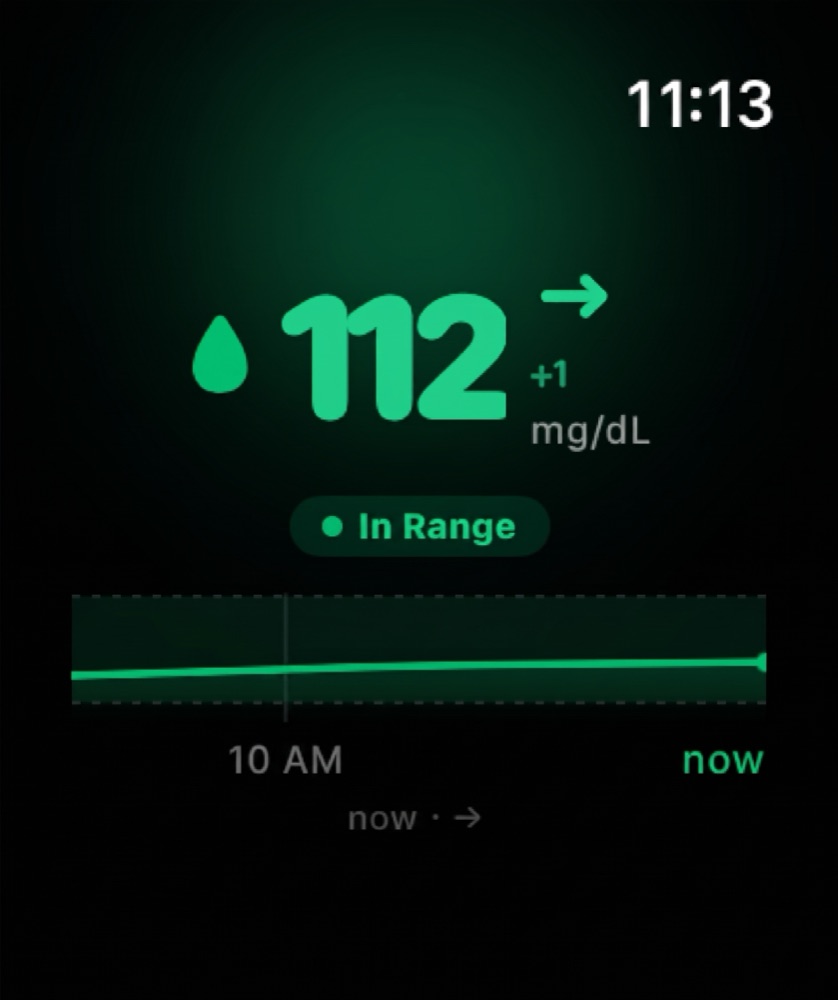
On your watch face, the complication shows your current glucose. In the GlucoLive watch app, you see the value, the trend arrow, the change since the last reading, the unit, how long ago the reading came in and a small chart of your recent readings with your target range.
| Where | What it shows |
|---|---|
| Watch face (complication) | Your current glucose, at a glance |
| GlucoLive watch app | Value, trend arrow, change, unit, time of the reading and a chart with your target range |
| Smart Stack | The GlucoLive Live Activity from your iPhone |
| Status messages | A clear note when the reading is old, so an old number never looks current |
Values follow the unit you chose on your iPhone, mg/dL or mmol/L. Apple Watch shows Live Activities on the watch face and at the top of the Smart Stack, and the GlucoLive Live Activity from your iPhone appears there too.
Why does a reading on your wrist help?
It saves you from reaching for your phone every time you want to check. A glance at your wrist shows the number, the trend arrow and how old the reading is.
One GlucoLive user put it this way in an App Store review:
"Being able to see my glucose results in real time on all my devices takes away the burden of having to remember all the time. Thank you so much!" Mat@112, App Store, translated from Portuguese.
Does it work without your iPhone nearby?
No. The GlucoLive watch app gets each reading from GlucoLive on your iPhone, so your watch needs your iPhone within reach.
If the watch goes a while without a new reading, it says so on the screen instead of showing an old number as if it were current. Keep your iPhone with you and online, and the watch catches up on its own.
How often does the watch update?
Your watch shows real-time glucose\*, the same reading you see on your iPhone. It comes from your LibreLinkUp or Nightscout account.
\*Readings are updated regularly. With the app closed, continuous updates are part of Pro.
What if the watch doesn't show your glucose?
Start on your iPhone: open GlucoLive and check that you're signed in and a reading shows up, because the watch gets it from there. Then check the watch app and your watch face.
- The watch says "Open GlucoLive on iPhone". Open GlucoLive on your iPhone once and check that a reading appears.
- The watch says "Waiting for data". Give it a moment after the first install, then open GlucoLive on your iPhone.
- The reading is marked as old. Check that your iPhone is online and that your sensor is sending readings in Abbott's app, or see LibreLinkUp not working.
- GlucoLive isn't in the complications list. Install the watch app first (step 3), then edit the watch face again.
What else do people ask about FreeStyle Libre on Apple Watch?
Most questions are about which sensors work, Dexcom, price and whether GlucoLive replaces Abbott's app. Here are the short answers.
Does FreeStyle Libre 3 work with Apple Watch?
Yes. GlucoLive works with FreeStyle Libre 2, 2 Plus and 3 through LibreLinkUp, and with Nightscout, and shows the reading on Apple Watch the same way for all of them.
Does it work with Dexcom?
Not at the moment. GlucoLive supports FreeStyle Libre, through LibreLinkUp, and Nightscout.
How much does it cost?
The download is free and you get 15 days of Pro from your first sensor reading, with no card and no automatic charge. The Apple Watch app is part of Pro: after the trial, you choose a monthly or annual plan in the App Store, and without a plan the watch shows GlucoLive as paused.
Does GlucoLive replace my sensor's app?
No. GlucoLive shows and organizes your glucose on more screens, but it doesn't replace your sensor's official app or your care team's guidance, and it doesn't recommend doses.
See your glucose on every screen
Download GlucoLive and get 15 days of Pro, with no card and no automatic charge.
Download on the App Store Android: coming soonGlucoLive is for informational monitoring. It does not replace your sensor's official app, certified devices or your care team's guidance, and it does not recommend doses or treatment. GlucoLive is not affiliated with Abbott or Nightscout.
More articles
 Lock Screen
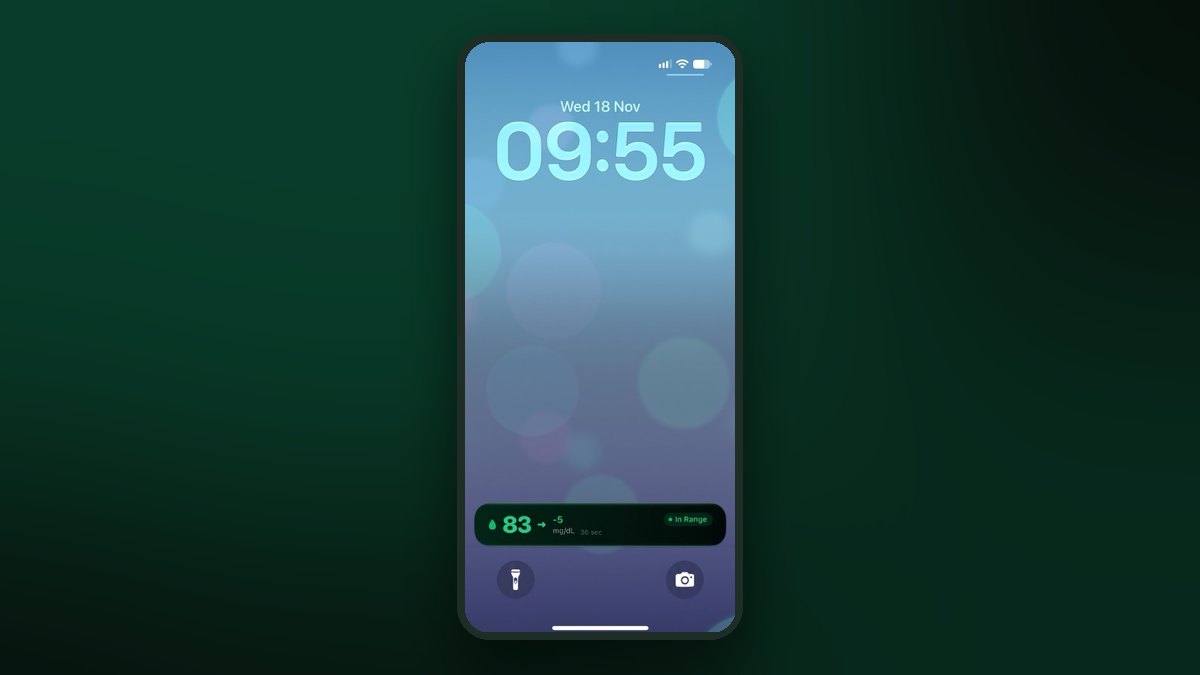
FreeStyle Libre on the iPhone Lock Screen: widget, Live Activity and StandBy
A Lock Screen widget, a Live Activity, the Dynamic Island and StandBy at night. Step by step for each one.
 CarPlay
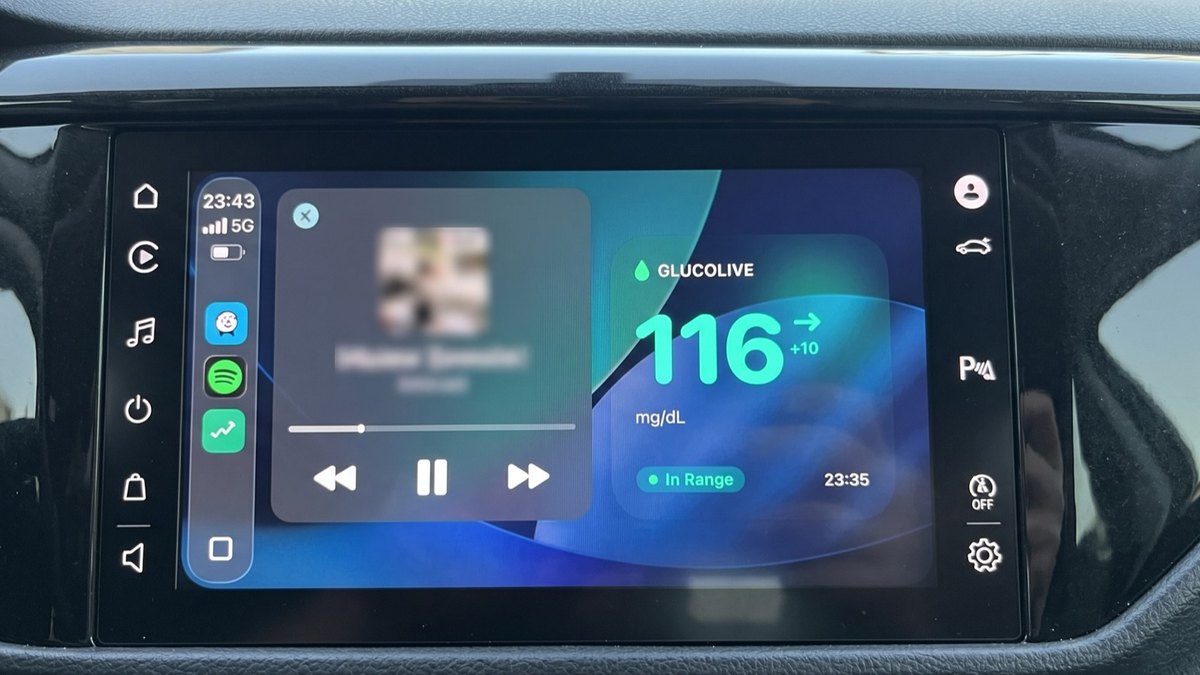
FreeStyle Libre on CarPlay: see your glucose on the car screen
The GlucoLive app, a dashboard widget and the Live Activity next to your map. Set up in three steps.
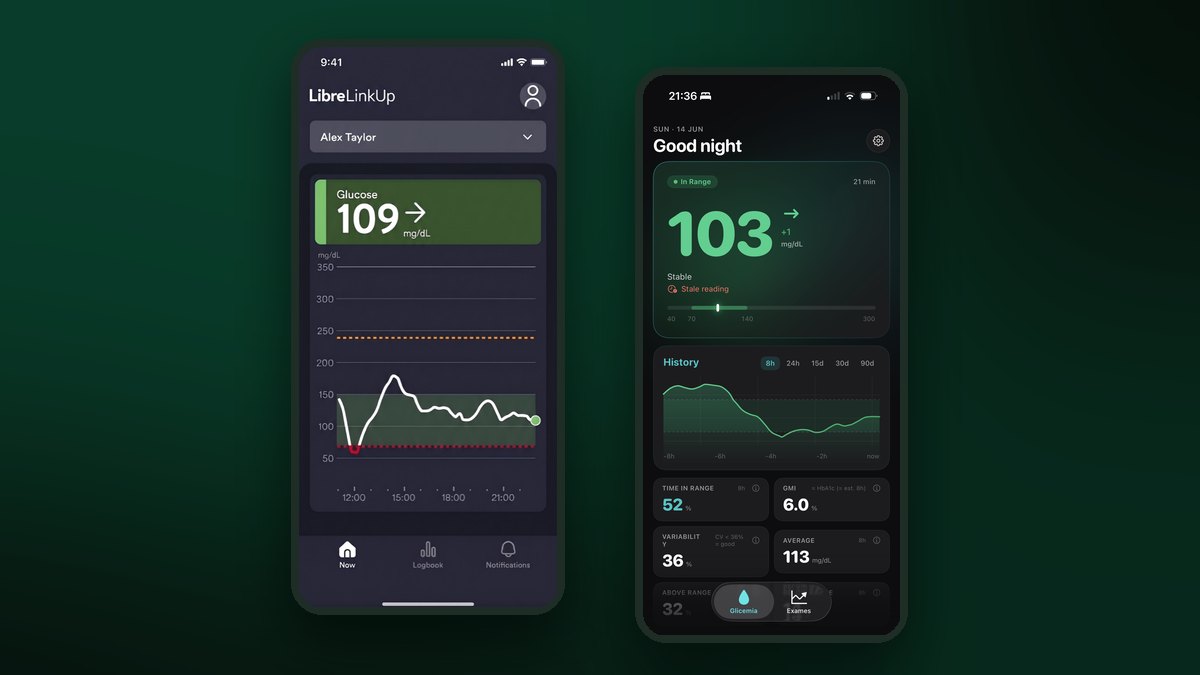 Connect your Libre
How to connect FreeStyle Libre to LibreLinkUp and GlucoLive
Invite yourself in Abbott's app, accept in LibreLinkUp and sign in to GlucoLive. Three steps, with screenshots.