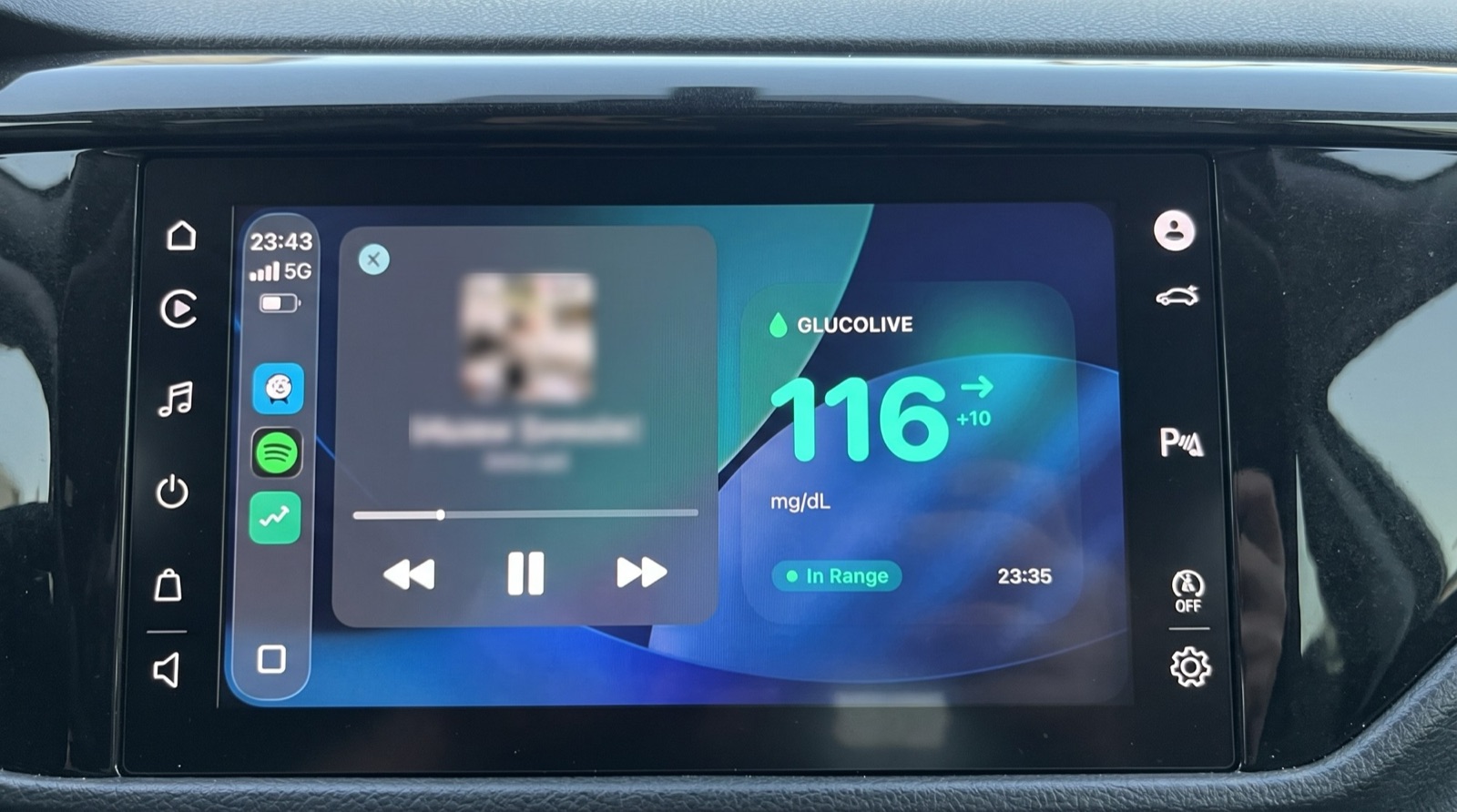
Yes, you can see your FreeStyle Libre glucose on CarPlay. GlucoLive shows it on the car screen in three ways: its own CarPlay app, a widget on the CarPlay dashboard and the Live Activity next to your map, so you don't need to pick up your phone.
It's the same reading you see on your iPhone, your Lock Screen and your Apple Watch, from your LibreLinkUp account.
Does FreeStyle Libre 3 work with CarPlay?
Yes. GlucoLive works with FreeStyle Libre 2, 2 Plus and 3 through LibreLinkUp, and with Nightscout, so the sensor model doesn't change what you see in the car.
The reading comes from your account, not from the sensor, which is why it's the same for all of them. If you haven't connected your sensor yet, follow our guide to connecting FreeStyle Libre first.
What do you see on the car screen?
The GlucoLive CarPlay app shows your glucose with a colored dot, the unit and the trend arrow, plus the status, the change and how long ago the reading came in. The dashboard widget and the Live Activity show the number, the arrow and the status at a glance, next to your other apps.
| Where on CarPlay | What it shows |
|---|---|
| GlucoLive app | Glucose (colored dot, value, unit, arrow), Status ("In Range", "Low", "High", "Critically Low", "Critically High"), change and time since the last reading |
| Dashboard widget | Value, arrow, change, unit, status and time |
| Live Activity | The same card as on your Lock Screen, next to the map while you navigate |
The CarPlay app uses Apple's simple car layouts, so it shows numbers and words, not a chart. We tested all three on the CarPlay screen of a car, with the photos on this page.
How do you set it up?
Connect your sensor in GlucoLive on the iPhone, connect the iPhone to your car and open GlucoLive on the CarPlay screen. To keep it on the dashboard, add the widget.
- Connect GlucoLive on your iPhone. Sign in with your LibreLinkUp account and check that a reading appears.
- Connect your iPhone to CarPlay, with a cable or wirelessly, as you usually do. The GlucoLive icon appears on the CarPlay Home screen.
- If you don't see it, on the iPhone go to Settings › General › CarPlay, choose your car, tap Customize and add GlucoLive under More Apps.
- To add the widget (iOS 26 or later), go to Settings › General › CarPlay, choose your car, tap Widgets and then Add Widgets, and pick GlucoLive.
For the Live Activity, turn it on in GlucoLive (Settings › Live Activity › Active), as in our Lock Screen guide.
Is it safe to look at while driving?
Set everything up before you drive, and treat the reading like your speed: a quick glance, never a reason to touch the phone. Apple's own Driving Focus page notes it is not a substitute for the rules against distracted driving, as you can read in Stay focused while driving.
If your glucose needs attention, pull over before you act on it. GlucoLive shows your reading; it doesn't recommend doses or treatment.
How often does it update?
CarPlay shows real-time glucose\*, the same reading as on your iPhone. It comes from your LibreLinkUp or Nightscout account.
\*Readings are updated regularly. With the app closed, continuous updates are part of Pro.
What else do people ask about FreeStyle Libre on CarPlay?
The most common questions are about Pro, voice alerts, Dexcom and whether you need the iPhone. Here are the short answers.
Do I need Pro for CarPlay?
New users get 15 days of Pro from the first sensor reading, with no card and no automatic charge, and CarPlay works during the trial. After the trial, without a plan, CarPlay shows GlucoLive as paused.
Does GlucoLive read alerts out loud in the car?
No, don't count on spoken alerts in the car. GlucoLive shows your reading on the CarPlay screen for a quick glance.
Does it work with Dexcom?
Not at the moment. GlucoLive supports FreeStyle Libre, through LibreLinkUp, and Nightscout.
Does GlucoLive replace my sensor's app?
No. GlucoLive shows your glucose on more screens, but it doesn't replace your sensor's official app or your care team's guidance, and it doesn't recommend doses.
See your glucose on every screen
Download GlucoLive and get 15 days of Pro, with no card and no automatic charge.
Download on the App Store Android: coming soonGlucoLive is for informational monitoring. It does not replace your sensor's official app, certified devices or your care team's guidance, and it does not recommend doses or treatment. GlucoLive is not affiliated with Abbott or Nightscout.
More articles
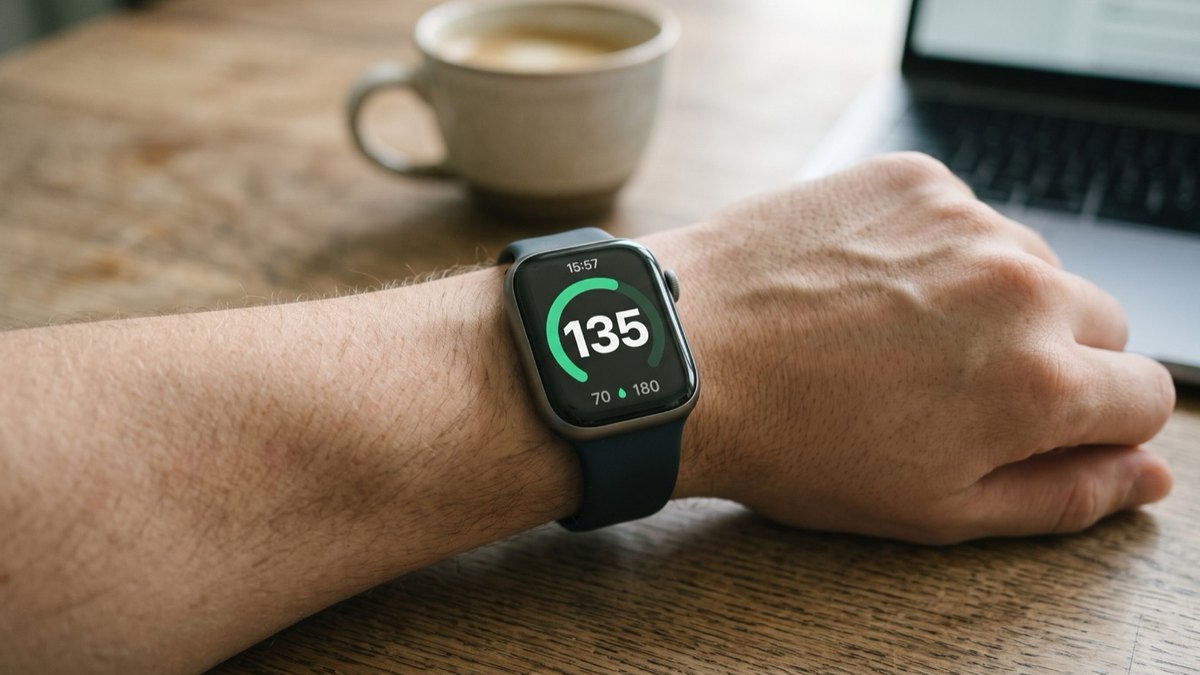 Apple Watch
How to see FreeStyle Libre glucose on Apple Watch
See your Libre reading every time you raise your wrist, on your watch face and in the watch app. Four steps.
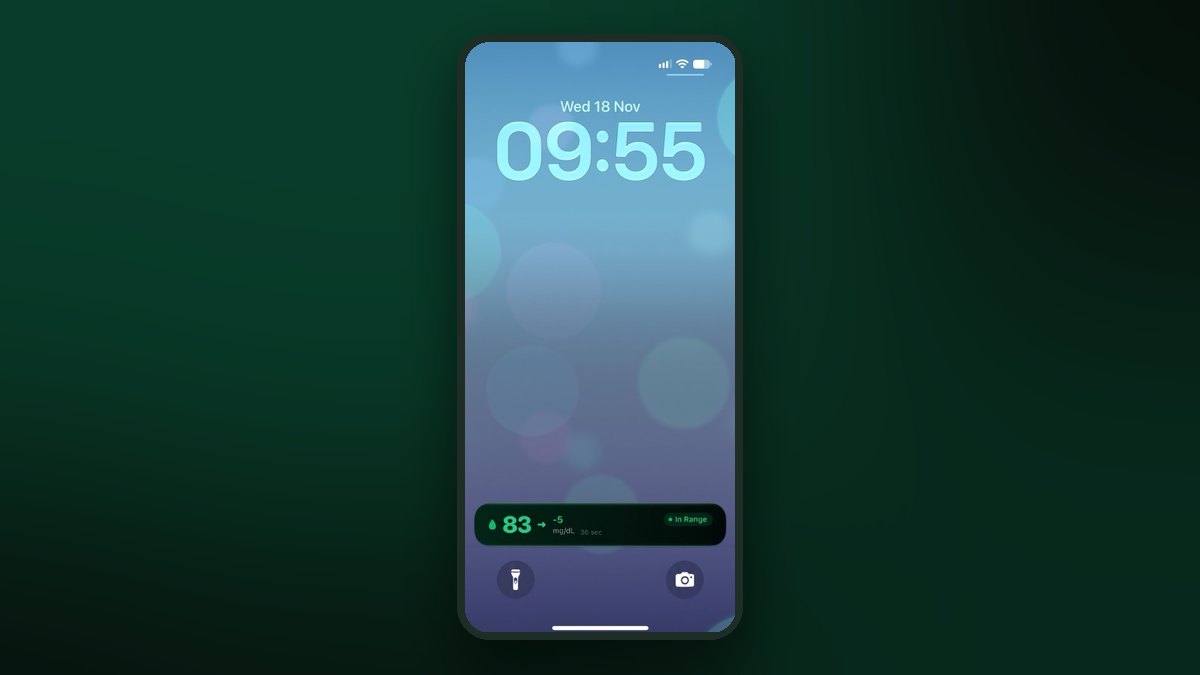 Lock Screen
FreeStyle Libre on the iPhone Lock Screen: widget, Live Activity and StandBy
A Lock Screen widget, a Live Activity, the Dynamic Island and StandBy at night. Step by step for each one.
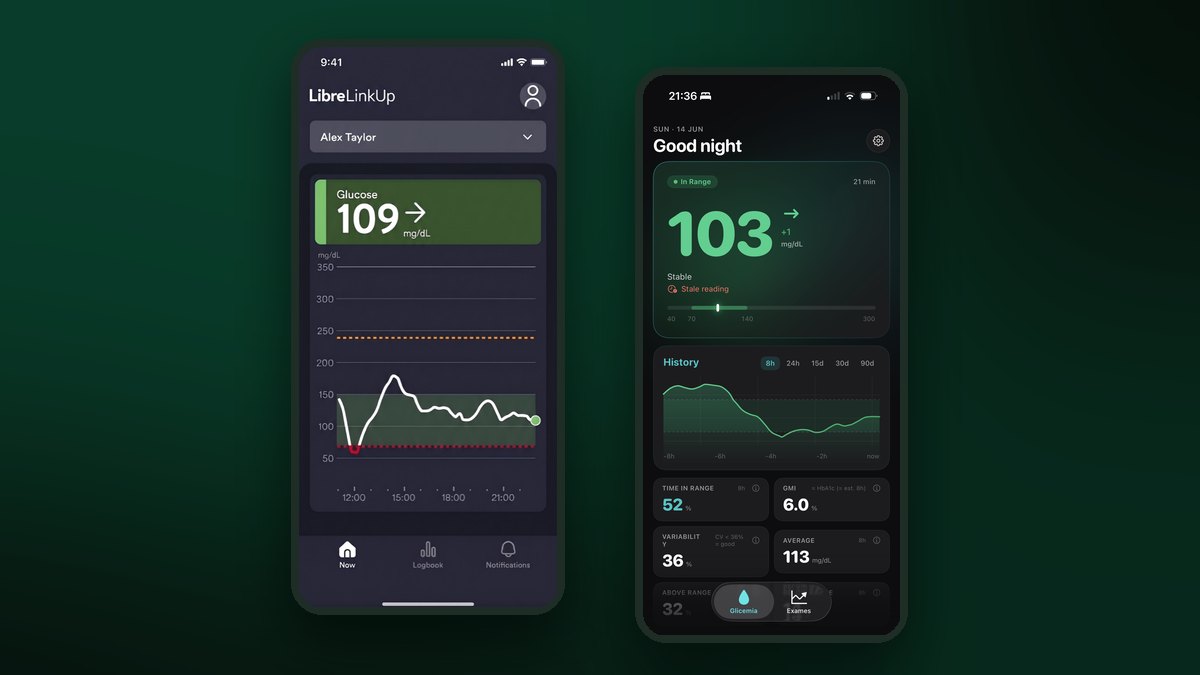 Connect your Libre
How to connect FreeStyle Libre to LibreLinkUp and GlucoLive
Invite yourself in Abbott's app, accept in LibreLinkUp and sign in to GlucoLive. Three steps, with screenshots.