When LibreLinkUp stops working, the cause is almost always one of six things: no internet on one of the phones, an invite that isn't active, new terms from Abbott waiting to be accepted, an expired session, a sensor that isn't sending, or an Abbott service interruption. Check them in this order and most problems are solved in a few minutes.
This guide is for anyone who follows a FreeStyle Libre in LibreLinkUp, and for people who use an app connected to LibreLinkUp, like GlucoLive.
Why is LibreLinkUp not working?
LibreLinkUp only shows what Abbott's app on the sensor wearer's phone sends, so a problem on either phone, in the account or in Abbott's service stops the readings. The quickest way to find it is to check the causes in order.
| Check | What to look for | What to do |
|---|---|---|
| 1. Internet | Both phones online | Turn on Wi-Fi or mobile data on both |
| 2. Abbott's app | The sensor is active and sending | Open Abbott's app on the wearer's phone and check for a current reading |
| 3. Invite | You still appear as a connection | Check the connection in Abbott's app; invite again if needed |
| 4. New terms | Abbott asks for a confirmation | Open LibreLinkUp, sign in and accept what it shows |
| 5. Session | Signed in on several devices | Sign in again in the app that stopped |
| 6. Abbott's service | Everyone loses readings at once | Wait; it comes back for all apps together |
What does "No Recent Data" mean in LibreLinkUp?
It means LibreLinkUp hasn't received a reading from your connection for a while. Abbott's LibreLinkUp user guide says that for FreeStyle Libre 1 and 2 it appears when no data has arrived in the last 5 minutes, and for the Libre 3 when the wearer's app has lost its connection to the LibreLinkUp server for a set time.
The usual causes are on the wearer's side: the phone has no internet, the sensor ended or hasn't started, or there's a service interruption. Start with step 1 and step 2 of the checklist above.
Do both phones need internet?
Yes. Abbott's LibreLinkUp FAQ says both you and your connection need internet to receive glucose data and notifications.
If the wearer's phone is offline, nothing reaches LibreLinkUp, even if your own phone is fine. When both phones are online, the FAQ says data arrives within seconds.
Why are LibreLinkUp notifications not working?
Alarm notifications only reach LibreLinkUp when the wearer turns them on in Abbott's app and both phones are online. According to the LibreLinkUp FAQ, you also won't hear them if your phone is on vibrate only or in Do Not Disturb.
Check the alarm settings on the wearer's phone first, then the sound and Focus settings on yours. Abbott also says the LibreLinkUp app is not intended to be a primary glucose monitor.
What if Abbott asks you to accept new terms?
Sometimes Abbott asks LibreLinkUp accounts to confirm something, such as new terms, and connected apps stop getting readings until you do. Open LibreLinkUp, sign in with the same account and accept what it shows.
Since version 5.0, GlucoLive tells you when this happens instead of just stopping. It shows: "Abbott is asking you to confirm something in your LibreLinkUp account, such as new terms. Open the LibreLinkUp app, sign in with this same account, confirm what shows up, then try again here." After you confirm, GlucoLive fetches your readings again on its own.
What does GlucoLive show when LibreLinkUp has a problem?
GlucoLive shows a short message that tells you what went wrong and what to do. These are the messages in GlucoLive 5.0, word for word.
- "Your LibreLinkUp account needs a confirmation." Abbott is asking for new terms. Open LibreLinkUp and confirm.
- "Reconnect your account." Your LibreLinkUp session expired, often after signing in on another device. Tap Reconnect and sign in again.
- "Not shared." No connection was found for this account. Check the invite in Abbott's app; our guide to connecting FreeStyle Libre shows each step.
- "No reading." No reading is available; the sensor may be warming up.
- "Offline." GlucoLive couldn't reach the service and shows the last known reading. Check your internet.
GlucoLive needs the LibreLinkUp email and password, not the ones from Abbott's LibreLink app. That's the most common sign-in mistake.
What if Abbott's servers are down?
When Abbott's service has an interruption, every app that uses LibreLinkUp stops getting readings at the same time, including LibreLinkUp itself. There's nothing to fix on your phone: the readings come back when the service does.
Meanwhile, GlucoLive keeps showing the last known reading on your iPhone, Lock Screen and watch, and tells you it can't reach the service.
What else do people ask about LibreLinkUp problems?
The most common questions are about iPhone settings, signing in on two devices and whether GlucoLive can fix Abbott's issues. Here are the short answers.
Does LibreLinkUp need to stay open?
No. Abbott's guide says LibreLinkUp doesn't need to be open for alarm notifications, and GlucoLive signs in with your account on its own, so you only open LibreLinkUp to accept an invite or new terms.
Can I use the same LibreLinkUp account on two phones?
You can sign in, but signing in on several devices at once can end the session other apps use. If GlucoLive asks you to reconnect, that's usually why. Switching to a new iPhone? Our guide to moving your GlucoLive data to a new iPhone shows how to bring your history.
Can GlucoLive fix an Abbott outage?
No. GlucoLive reads what Abbott shares through LibreLinkUp, so when Abbott's service stops, GlucoLive waits for it like every other app.
Does GlucoLive replace my sensor's app?
No. GlucoLive shows your glucose on more screens, but it doesn't replace your sensor's official app or your care team's guidance, and it doesn't recommend doses.
See your glucose on every screen
Download GlucoLive and get 15 days of Pro, with no card and no automatic charge.
Download on the App Store Android: coming soonGlucoLive is for informational monitoring. It does not replace your sensor's official app, certified devices or your care team's guidance, and it does not recommend doses or treatment. GlucoLive is not affiliated with Abbott or Nightscout.
More articles
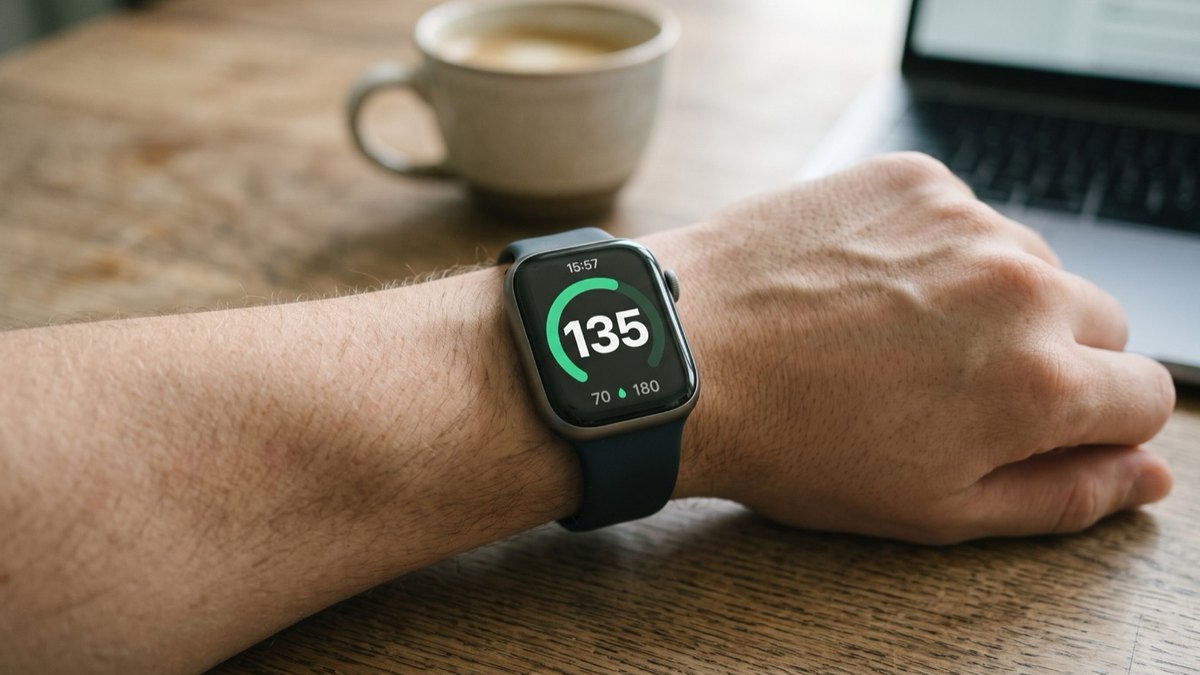 Apple Watch
How to see FreeStyle Libre glucose on Apple Watch
See your Libre reading every time you raise your wrist, on your watch face and in the watch app. Four steps.
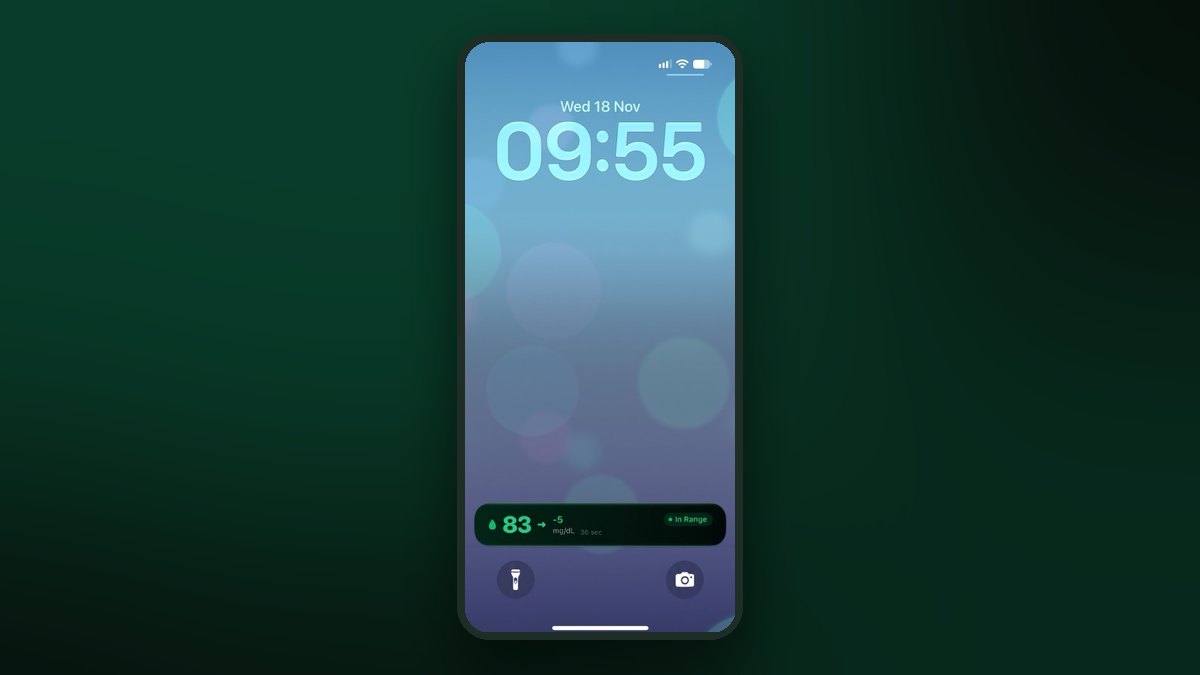 Lock Screen
FreeStyle Libre on the iPhone Lock Screen: widget, Live Activity and StandBy
A Lock Screen widget, a Live Activity, the Dynamic Island and StandBy at night. Step by step for each one.
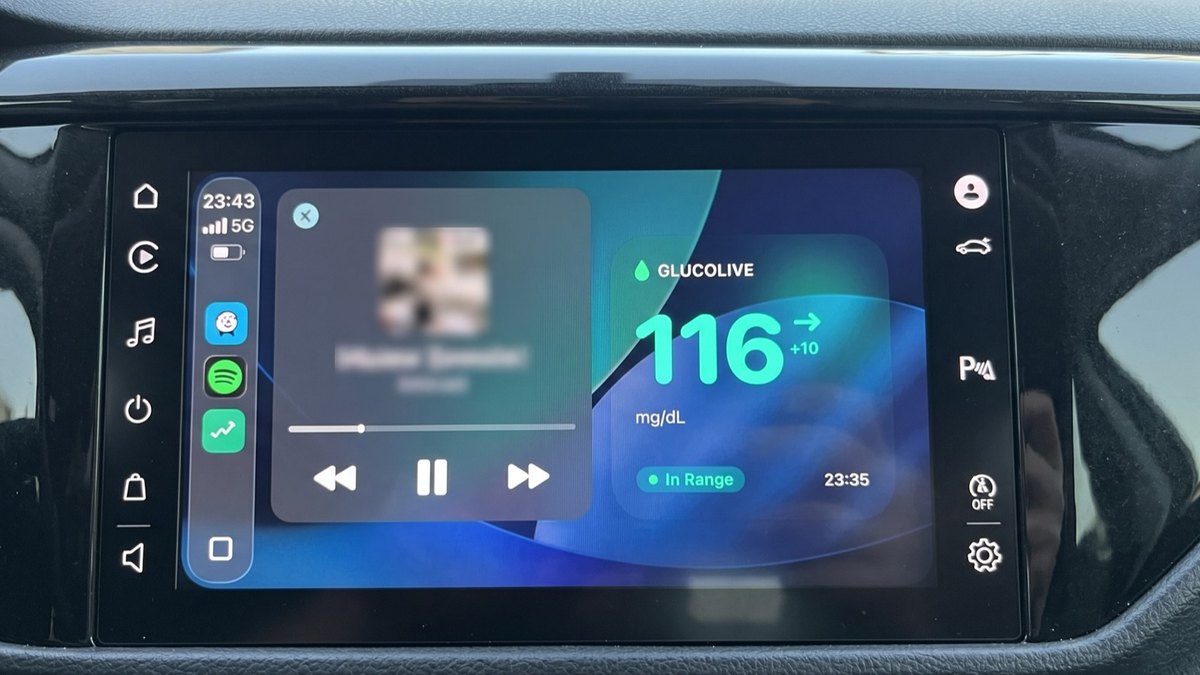 CarPlay
FreeStyle Libre on CarPlay: see your glucose on the car screen
The GlucoLive app, a dashboard widget and the Live Activity next to your map. Set up in three steps.