To share your FreeStyle Libre glucose with family on iPhone, invite them in GlucoLive: they follow your latest reading and the last 8 hours of your chart on their own iPhone, without having to ask you. You choose who gets access and remove it whenever you want.
It takes a link and a minute. This guide shows how to invite someone, what they see and what stays private.
How do I share my FreeStyle Libre with family in GlucoLive?
You invite the person from GlucoLive's Caregivers screen, and they accept the invite on their iPhone. From then on, they see your glucose in GlucoLive, under your first name.
You need two things: GlucoLive connected to your FreeStyle Libre, which it reads through LibreLinkUp (our connection guide shows each step), and a Pro + Caregivers plan for 1, 3 or 5 people.
How do I invite someone?
Go to Settings › Caregivers, type the person's email and tap Create invite. GlucoLive prepares a message with the link, ready to send by WhatsApp or any other app.
- Settings › Caregivers. You see how many spots your plan has and who already has access.
- Type the email and tap Create invite. The invite is valid for 7 days and can only be used once.
- The person opens the link on their iPhone and signs in with Apple. No Abbott account needed.
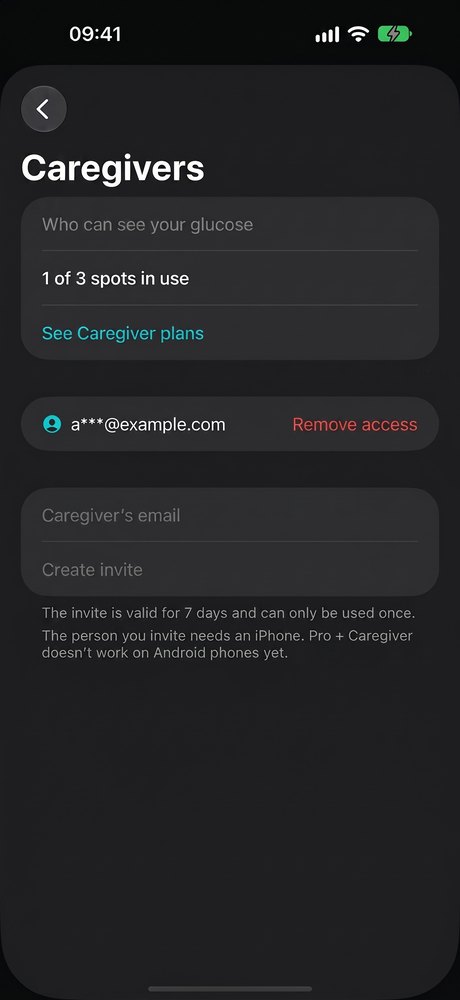
Before the first invite, GlucoLive shows what will be shared and asks you to confirm.
What does my family see?
The person you invite sees your latest reading and the last 8 hours of your chart, under your first name. If no new reading arrives for a while, GlucoLive tells them so and suggests checking with you or in the sensor app.
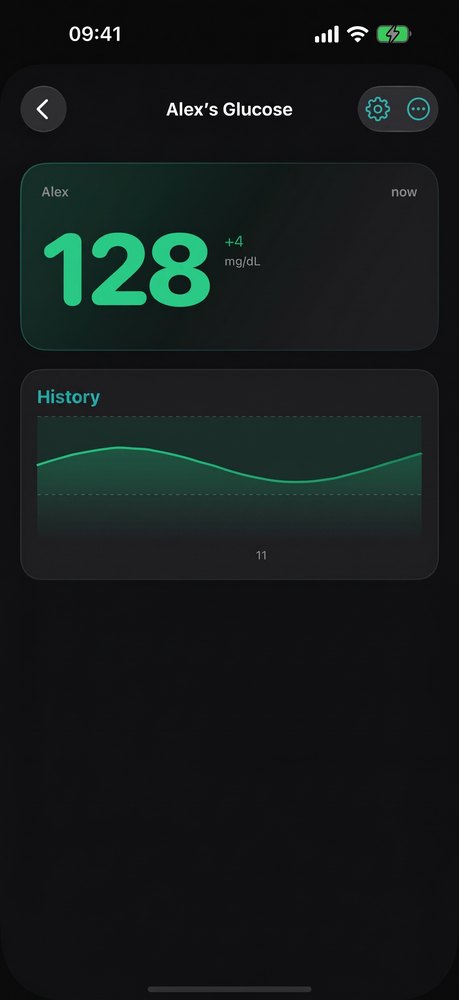
One App Store review, translated from Portuguese, sums up why people use it: "Thanks to the app I can follow my family member's glucose closely and live. […] I recommend the app."
What stays private?
Your caregivers see your glucose, and nothing else. Our privacy policy is explicit about it:
| What your caregiver sees | What stays only with you |
|---|---|
| Your latest reading | Your LibreLinkUp password |
| The last 8 hours of your chart | Your lab results |
| Your first name | Your diary and insulin records |
| A notice when there's no new reading for a while | Your full glucose history |
You can see who has access at any time in Settings › Caregivers.
Does the person following need an iPhone?
Yes, for now: everyone you invite needs to install GlucoLive on an iPhone and sign in with Apple. GlucoLive for Android is on its way.
How do I stop sharing?
Go to Settings › Caregivers and tap Remove access next to the person. They stop seeing your glucose right away.
If your plan ends, the people who follow you stop seeing your glucose until you renew.
Can I follow someone else's glucose?
Yes. If someone invites you, you open the link on your iPhone, sign in with Apple and see their glucose under People I Follow.
Many people do both: they follow a family member in GlucoLive and also see their own glucose on their Lock Screen and Apple Watch.
What else do people ask about sharing in GlucoLive?
The most common questions are about which sensors work, cost and alarms. Here are the short answers.
Which sensors work?
FreeStyle Libre 2, 2 Plus and 3 through LibreLinkUp, and Nightscout, as GlucoLive's App Store listing says.
How much does it cost?
Caregivers is part of the Pro + Caregivers plans, for 1, 3 or 5 people. See the plans.
Does it replace my sensor app's alarms?
No. GlucoLive Caregivers shows your reading and chart to the people you choose; it doesn't replace your sensor app's alarms or sharing.
Does GlucoLive replace my sensor's app?
No. GlucoLive shows your glucose on more screens, but it doesn't replace your sensor's official app or your care team's guidance, and it doesn't recommend doses.
See your glucose on every screen
Download GlucoLive and get 15 days of Pro, with no card and no automatic charge.
Download on the App Store Android: coming soonGlucoLive is for informational monitoring. It does not replace your sensor's official app, certified devices or your care team's guidance, and it does not recommend doses or treatment. GlucoLive is not affiliated with Abbott or Nightscout.
More articles
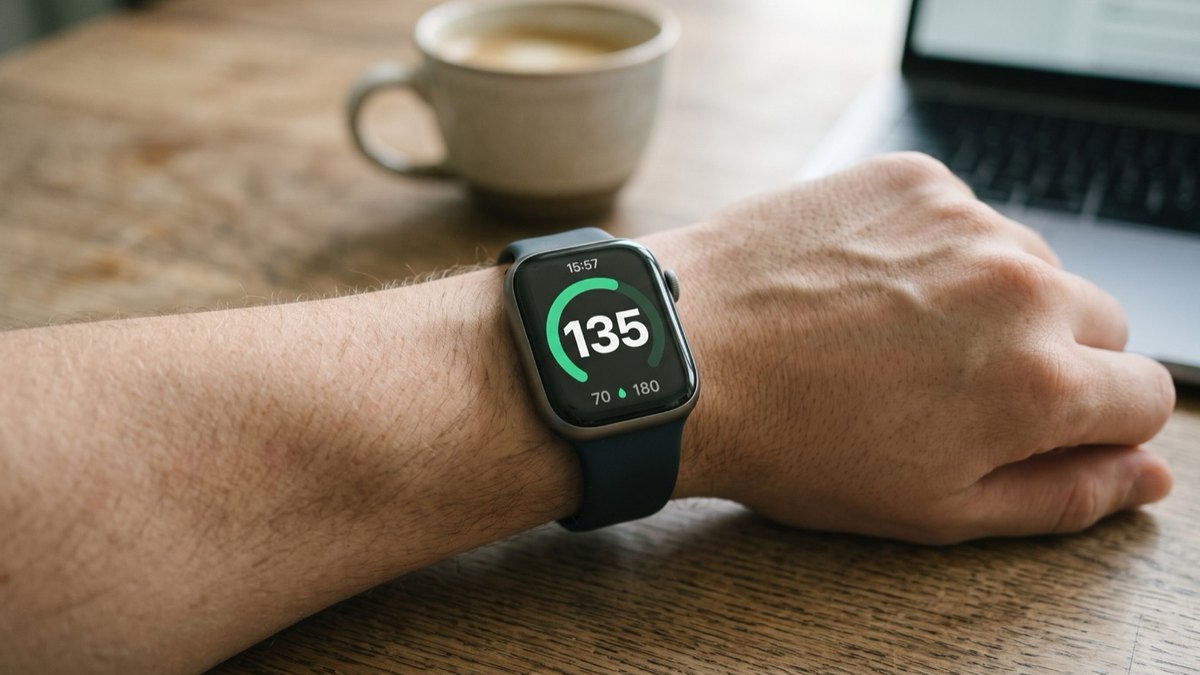 Apple Watch
How to see FreeStyle Libre glucose on Apple Watch
See your Libre reading every time you raise your wrist, on your watch face and in the watch app. Four steps.
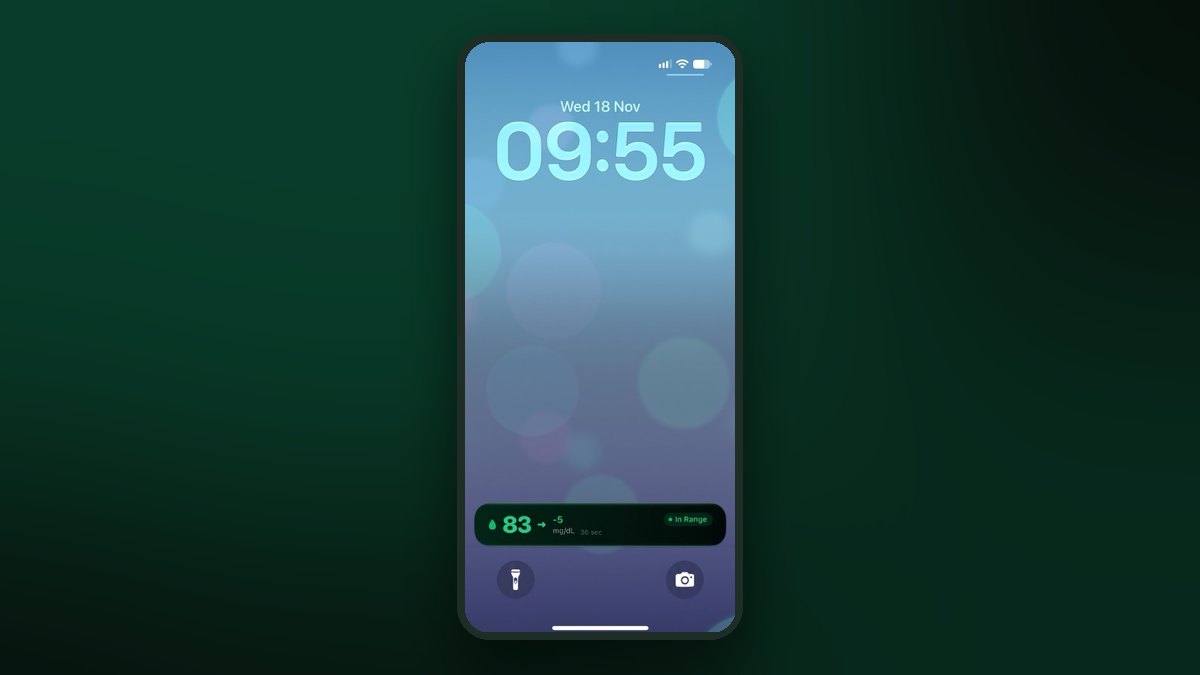 Lock Screen
FreeStyle Libre on the iPhone Lock Screen: widget, Live Activity and StandBy
A Lock Screen widget, a Live Activity, the Dynamic Island and StandBy at night. Step by step for each one.
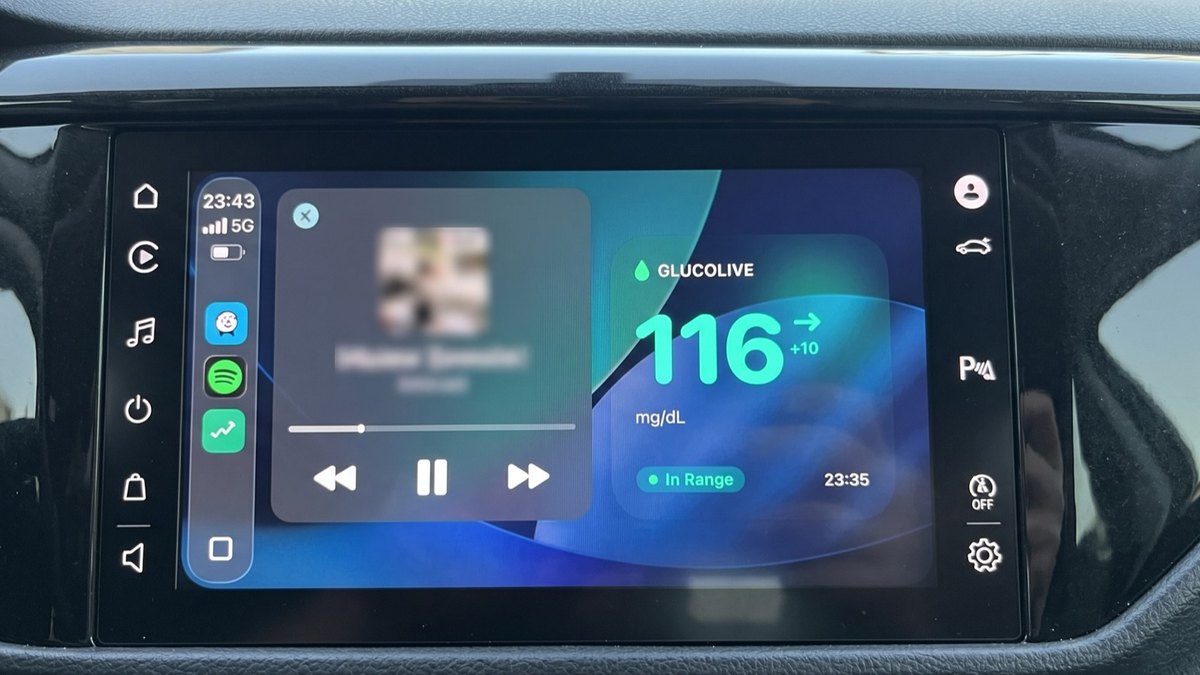 CarPlay
FreeStyle Libre on CarPlay: see your glucose on the car screen
The GlucoLive app, a dashboard widget and the Live Activity next to your map. Set up in three steps.